
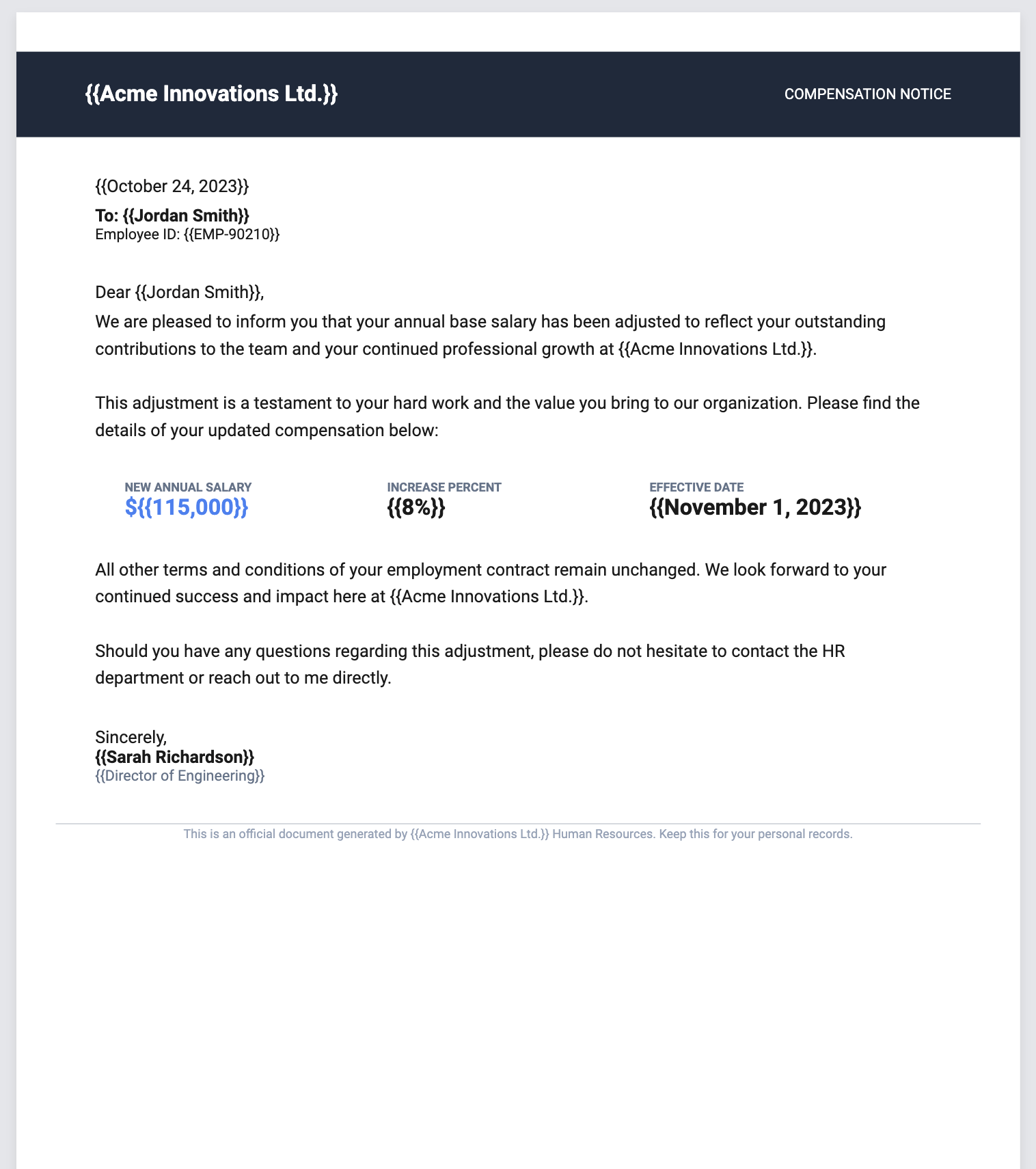
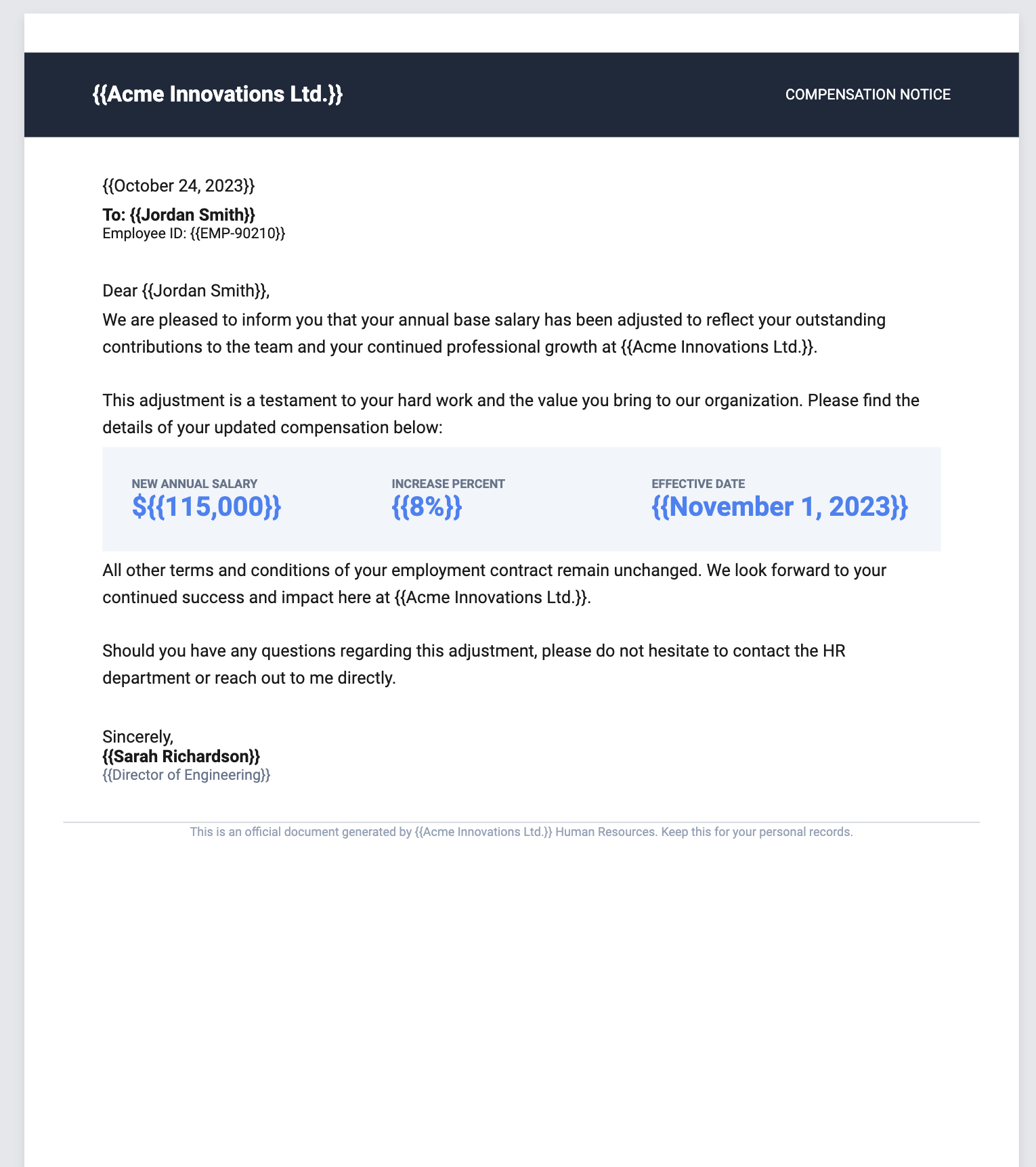
AI-powered document creation, built for scale
Describe your document and get it instantly. Modify it using natural language or fine-tune every detail in our world-class WYSIWYG editor.
Describe your document and get it instantly. Modify it using natural language or fine-tune every detail in our world-class WYSIWYG editor.
From invoices to certificates, RenderDocs gives you AI-powered tools to design, fill, and export beautiful documents.
Describe your document in plain language and our AI builds a polished, production-ready template in seconds.
Dynamic placeholders like {{client_name}} or {{invoice_date}} let you reuse one template for every client and project.
Line items, work history, education — add as many rows as you need with a single click in the form.
Row and column containers with justify, alignment, padding, and full-bleed backgrounds for professional results.
Download your finished document as a high-quality file. What you see in the preview is exactly what you get.
Need changes? Just tell the AI what to adjust — colors, layout, content — and it patches your document in place.
From idea to production-ready PDF in three steps. No design skills required.
Tell Jarvis — our AI — what document you want in plain language. "A professional invoice with a dark blue header, line items table, and payment terms." Jarvis builds a complete, production-ready template in seconds. Pick from suggested types or get as detailed as you want.
Not quite right? Chat with Jarvis to make changes — "make the header blue," "add a signature line," "increase the font size." Or open the WYSIWYG editor for pixel-level control: drag-and-drop sections, adjust padding, set gradients, manage variables. The preview updates in real time and matches the final PDF exactly.
Fill in your smart variables — names, dates, amounts, line items — and download a pixel-perfect PDF. Need thousands? Use our API to generate documents programmatically. Every template is reusable: one design handles unlimited data. No Puppeteer, no headless browsers, no rendering inconsistencies.
Everything you need to know about creating documents with RenderDocs.
Anything — invoices, certificates, offer letters, contracts, compensation notices, billing statements, resumes, reports, NDAs, proposals, and more. If it's a document, RenderDocs can build it. You design the template once and generate thousands of unique copies at scale.
Most PDF generators render HTML through a headless browser, which means layout inconsistencies, slow render times, and constant CSS debugging. RenderDocs uses a native rendering engine — what you see in the editor is exactly what downloads. No browser layer, no surprises, pixel-perfect every time.
Yes. Every template you create in RenderDocs is accessible through our API. Pass in your variable data — names, dates, amounts, line items — and get back a high-fidelity PDF in milliseconds. Perfect for automated workflows, billing systems, HR platforms, or any application that needs documents on demand.
Describe what you need in plain language — for example, "Generate a certificate for my calculus class" — and RenderDocs builds a complete, styled template instantly. You can then modify it with natural language ("make the header blue and add a logo") or fine-tune every detail in the WYSIWYG editor.
RenderDocs has a true WYSIWYG editor where the preview matches the final PDF exactly — down to the pixel. You get row and column layouts, alignment controls, padding, full-bleed backgrounds, gradients, and smart variables all in a visual interface. No code required, but the output is production-grade.
Smart variables are dynamic placeholders like {{client_name}} or {{invoice_total}} that get replaced with real data when you generate a document. Repeatable sections let you add dynamic rows — like line items on an invoice or work history on a resume — so one template handles any amount of data.
Yes, RenderDocs has a free tier that includes 5 documents per month with AI-powered generation and smart variables. For unlimited documents, repeatable sections, and advanced features, upgrade to Pro starting at $9/month.
Absolutely. RenderDocs is built for automation. Use our API or integrate with agentic workflows to generate documents programmatically — from a single PDF to tens of thousands. Templates are reusable, variables are dynamic, and output is consistent every time.
Build once, generate at scale. RenderDocs gives your team reusable templates with smart variables — plug into your API or workflow and go.